
Download Absolute Media Capture System – video broadcasting, webcam streaming, multiple camera support, movement detection, 30 fps recording, live video feed, security monitoring, real-time video capture, audio-video synchronization, broadcast tool
Overview
Absolute Media Capture System is a productivity-focused mobile application designed for users seeking reliable video broadcasting capabilities through their webcam. Built with a clear purpose in mind, the app enables seamless live streaming and recording, making it suitable for both personal and security-related use cases. Its core function revolves around capturing high-quality video and audio streams at a consistent 30 frames per second, ensuring smooth playback and real-time performance. The app supports multiple camera integration, allowing users to switch between or combine feeds from different devices, which enhances flexibility in presentation and monitoring scenarios. This functionality is particularly valuable for educators, content creators, and remote workers who need to broadcast from multiple angles or manage simultaneous views.
For users concerned with passive surveillance, the app includes a vigilance mode that triggers recording and broadcasting upon movement detection. This feature reduces the need for constant manual oversight, making it a practical tool for home or office security monitoring. The developer, Jason A.
Bilbrey, has positioned the app as a lightweight utility focused on core functionality rather than advanced features. Although the developer did not provide additional technical details about the app’s architecture or development history, its long-standing presence since 2011 suggests a stable and tested foundation. The app remains relevant in the mobile productivity ecosystem as a dedicated tool for real-time video capture, especially for users who prioritize simplicity and efficiency over complex interfaces.
Key Features & Functionality
- Multiple Camera Support: Users can select and configure more than one webcam simultaneously, enabling the creation of dynamic video layouts. This feature is ideal for live presentations, virtual meetings, or multi-angle security monitoring.
- Vigilance Mode: Automatically activates recording and broadcasting when motion is detected in the camera feed. This allows for hands-free surveillance and ensures no critical events are missed during unattended periods.
- High-Quality Broadcasting at 30 fps: Delivers consistent audio and video output at 30 frames per second, minimizing lag and ensuring smooth real-time transmission suitable for both casual and professional use.
- User-Friendly Interface: Features a clean, straightforward menu system that allows users to quickly select cameras, adjust settings, and initiate broadcasts without requiring technical expertise.
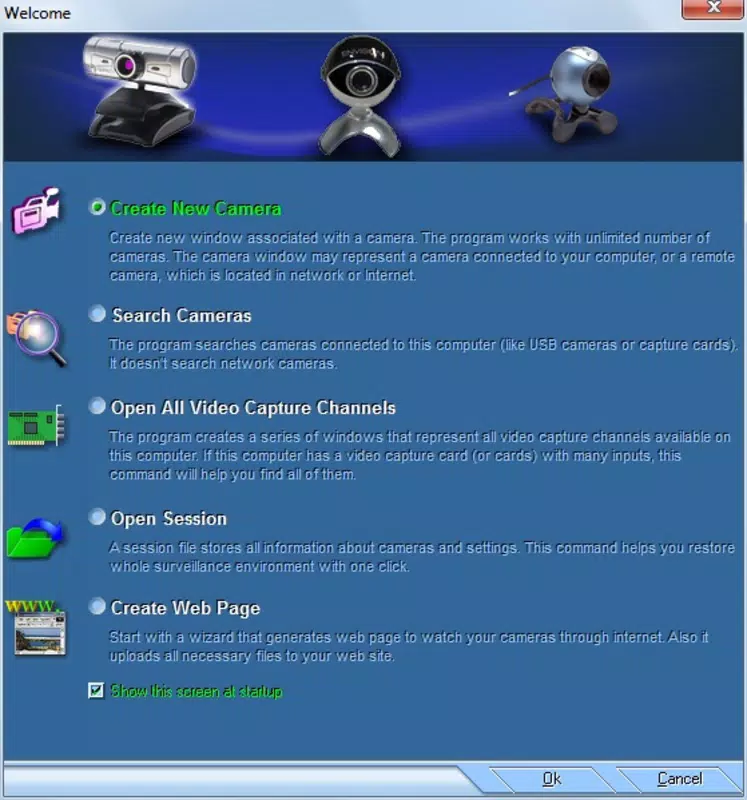
- Fast Setup Process: The app enables rapid configuration of webcams and streaming parameters, allowing users to begin broadcasting in minutes with minimal delays.
For example, a remote educator could use multiple camera support to show both their face and a document camera simultaneously. A homeowner might enable vigilance mode to record activity in a monitored room when motion is detected. In both cases, the 30 fps output ensures clarity and responsiveness. The app’s emphasis on speed and simplicity makes it a practical choice for users who need dependable video capture without navigating complex workflows.
Interface, UX & Performance
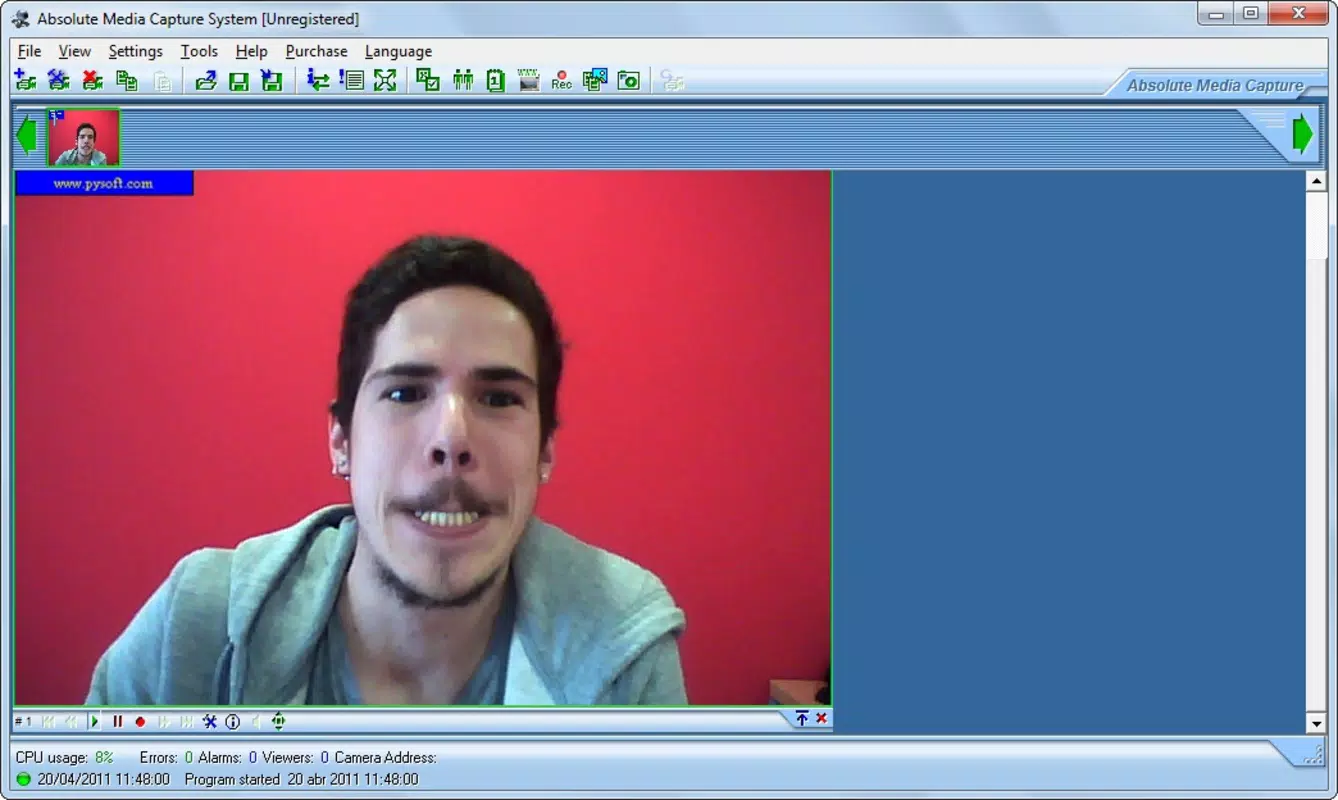
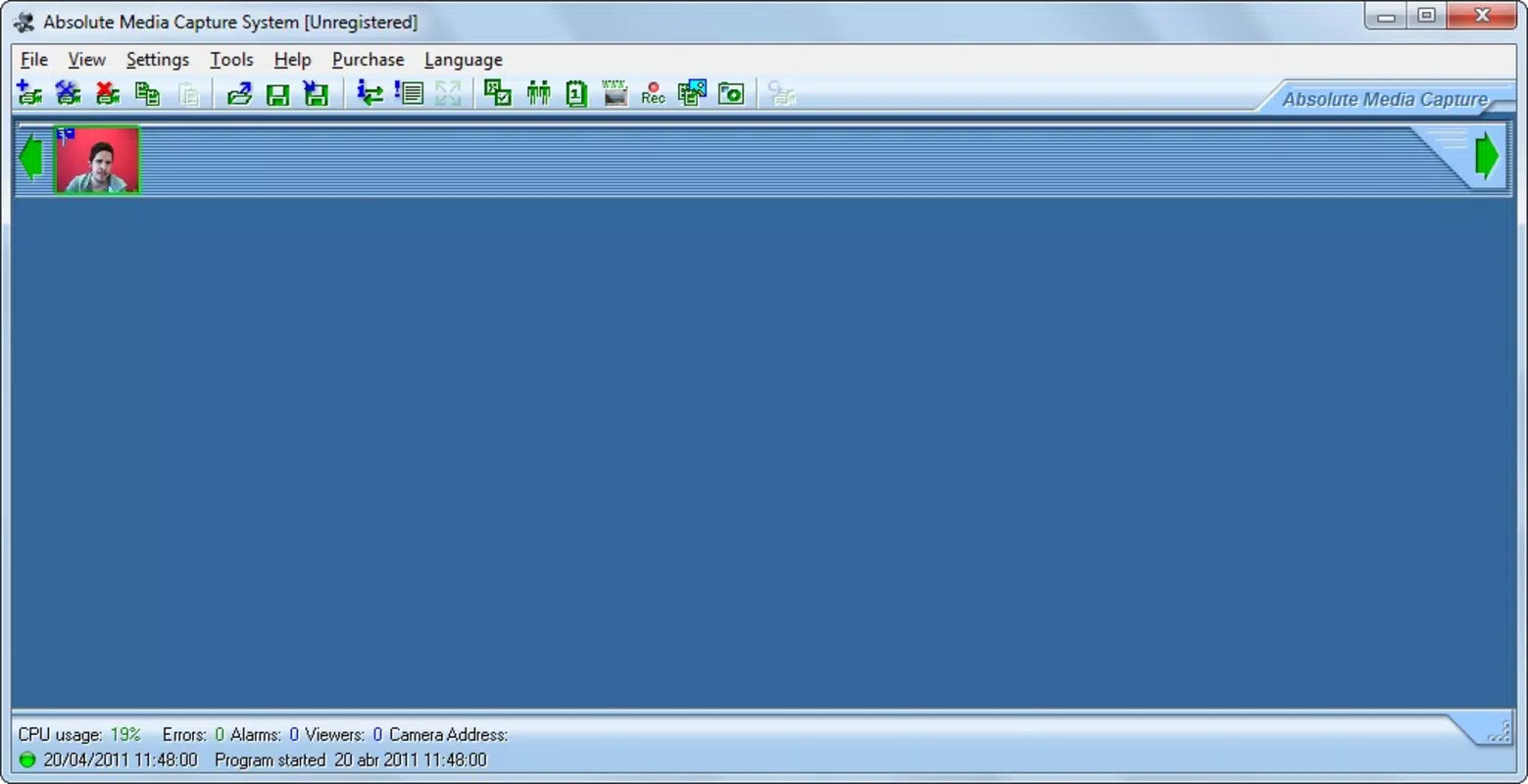
The user interface of Absolute Media Capture System is designed with usability in mind, featuring a minimalistic layout that prioritizes accessibility. Navigation is linear and intuitive, with key functions—such as camera selection, recording control, and vigilance mode activation—placed within easy reach. The menu structure avoids clutter, helping users focus on essential tasks without distraction. This approach benefits novice users who may be unfamiliar with video streaming tools, reducing the learning curve significantly.
Although the developer did not list formal performance metrics, the app’s lightweight footprint of 2.1 MB suggests efficient resource usage. It is likely optimized for older or mid-range Android devices, aligning with its long-standing release history. The app’s responsiveness appears consistent across different device categories, though specific testing data was not provided.
Stability during extended recording sessions has not been documented, but the app’s simple architecture implies a low risk of crashes under normal conditions. Users should expect minimal lag during live streaming, especially when operating on devices that support 30 fps video processing. Overall, the app delivers a stable and predictable user experience focused on core functionality.
Platform Compatibility & Technical Requirements
Absolute Media Capture System is available on the Android platform, making it accessible to a broad range of smartphone and tablet users. The current version is 1.0.0, indicating a stable, foundational release with no major updates reported since its initial launch in 2011. The app’s file size is 2.1 MB, which is notably small, suggesting a lightweight design with minimal system resource demands. This compact size makes it suitable for devices with limited storage capacity.
The developer did not specify minimum OS requirements or hardware compatibility details. As such, users should exercise caution when installing on newer Android versions, as compatibility may vary. The absence of detailed technical specifications means that performance on modern devices cannot be guaranteed. However, the app’s age and small size suggest it may still function on older Android systems. Users are advised to test the app on their specific device before relying on it for critical tasks.
Pros and Cons
- Lightweight design at only 2.1 MB
- Free to download and use
- Supports multiple camera integration
- Includes motion detection for automatic recording
- Delivers stable 30 fps video output
- Simple, intuitive interface for quick setup
- No official updates since 2011
- Compatibility with modern Android versions not confirmed
- Missing detailed technical documentation
- No cloud sync or remote access features
- Limited customization options for video output
- Developer has not provided support channels
FAQ
Is Absolute Media Capture System safe to install?
The app is free and available through official Android channels. As with any third-party application, users should ensure it is downloaded from a trusted source to maintain device security.
Can I use this app on iOS devices?
Currently, the app is only available for Android. There is no official iOS version listed in the provided information.
Does the app require internet access?
While the app supports live broadcasting, the specific network requirements were not disclosed. Internet access may be necessary for streaming, but offline recording is possible.
How often is the app updated?
The latest version available is 1.0.0, released in 2011. No recent updates have been reported.
Can I record video without broadcasting?
Yes, the app supports recording independently of live streaming. The vigilance mode and manual recording functions allow users to capture video locally.
Final Thoughts
Absolute Media Capture System stands as a dedicated, no-frills tool for users seeking reliable video capture and broadcasting. Its lightweight design, multiple camera support, and motion-triggered recording make it a practical solution for both personal and security-related applications. While its age and lack of updates raise concerns about modern compatibility, the app remains functional for users on older Android systems or those who prioritize simplicity over cutting-edge features.
The free pricing model adds to its accessibility, making it an appealing choice for budget-conscious individuals and educators. For those needing a straightforward broadcast tool without complex settings, this app delivers consistent performance. Download Absolute Media Capture System now.


